Stress
Stress shows how a part bends and where the material works hardest, so you can tell whether a bracket or clip will hold.
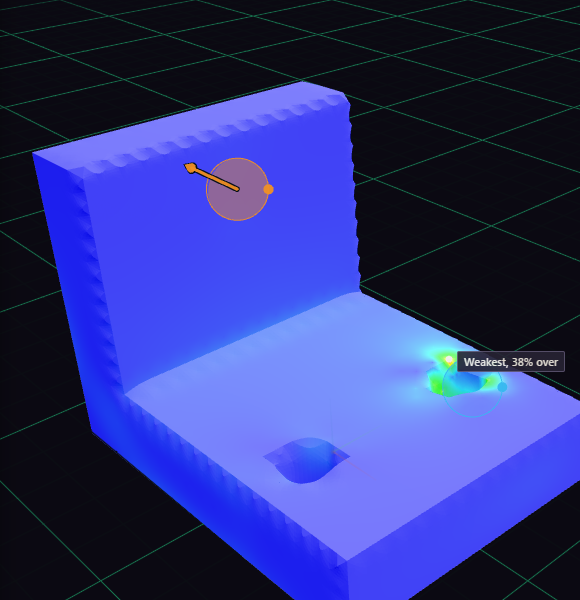
- Open Inspect, pick Stress, and choose the body.
- Under Support 1, press Click on body and click near a screw hole. Add a support for each hole.
- Under Load 1, press Click on body, click the shelf face, and type 50 for the force.
- Pick your material, such as PETG, and press Run at the bottom of the panel.
A support is where the part cannot move. Fixed holds it everywhere, Pinned lets it turn, and Slider lets it slide along a face. A load is a Force in newtons or a Pressure in MPa. To load whole faces instead of a spot, select them in the view and press Use selected faces. Turn on Own weight to add the part's weight. More options holds the mesh size: smaller is finer and slower.