Move
Move (M) places a body somewhere else.
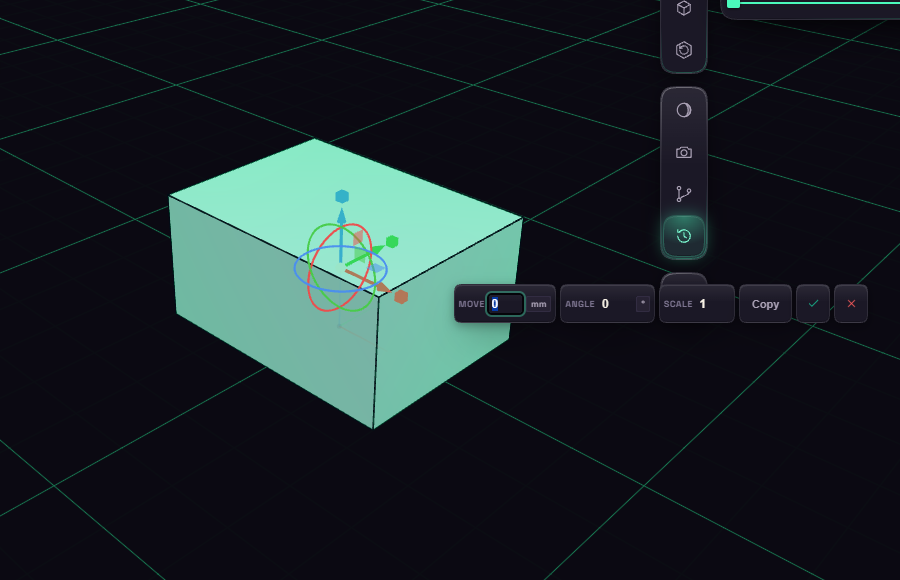
Select the body first, or Move takes the most recent one. Arrows slide along an axis, squares slide in a plane, and rings turn the body. Dragging snaps to round steps, and Shift makes them finer.
Switch on Copy in the box to move a copy and leave the original. Each drag is its own step, so Ctrl+Z undoes one nudge at a time.