Parameters
A parameter is a number with a name. Make one called width, use it in three places, and change it once.
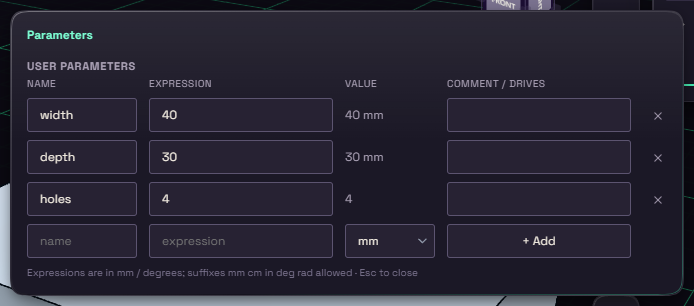
Open Modify on the rail and pick Parameters. To add one, fill the bottom row with a name, an expression and a unit, then press + Add. Model parameters named d1, d2 and so on appear on their own when you type an expression into a value.
Any value box takes a parameter name where it takes a number. Type width and the value is tied to it. A value tied to a parameter reads fx: before the number, and dragging a handle will not overwrite it.