Share your document
The Live document setting on the AI assistants page decides what an assistant may do with the document you have open.
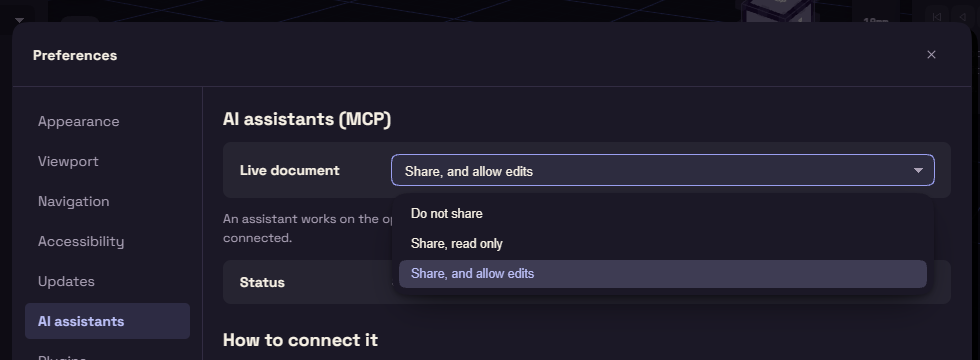
| Live document | What the assistant may do |
|---|---|
| Share, and allow edits | Change your document while you watch. Each change is one step Ctrl+Z can undo. This is the default. |
| Share, read only | Look at your document and measure it. |
| Do not share | Work on a copy of its own. |
The Status row below it says whether an assistant is connected. While one is, the title bar shows its name and what it last did, and a click there opens this setting.
Ask for a part that fits
Give the assistant real dimensions, or a STEP file of what the part must fit. Ask it to use named parameters and to save a .funda file.
It saves and reads files in your folders, with the limits on Connect an AI assistant.