Fillet and chamfer
Fillet (F) rounds an edge and Chamfer (B) cuts it at an angle.
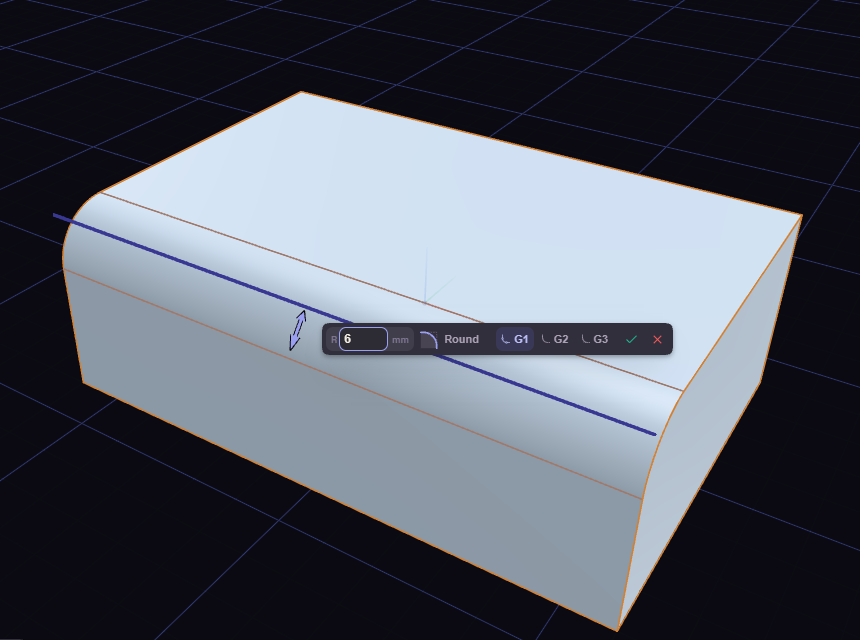
- Click an edge, or select a face first to treat every edge around it.
- Drag the arrow, or type a size.
- Press Enter.
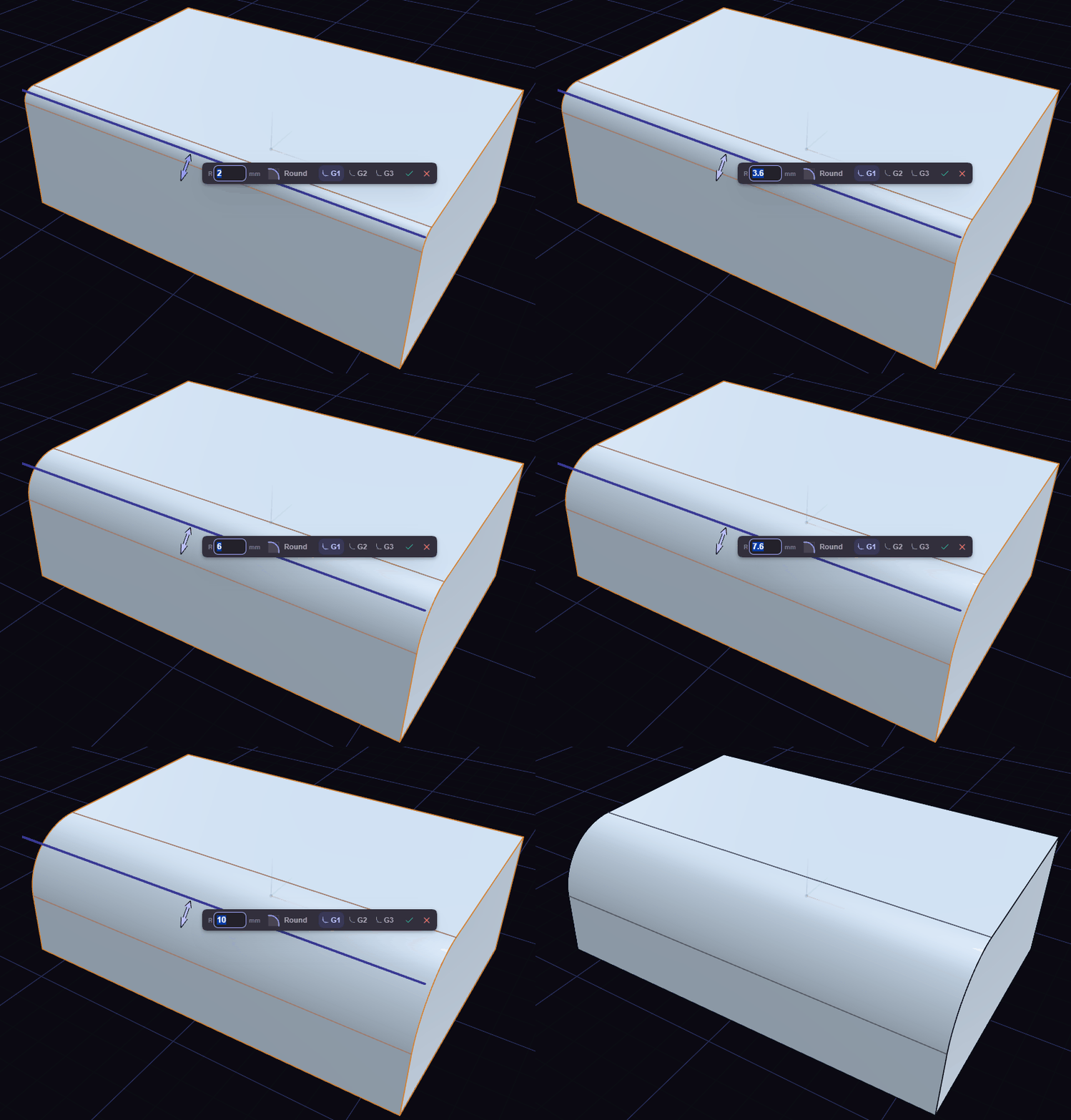
Letting go of the arrow keeps the tool open, so the size and the box options can still change. Click another edge to add it, or a picked edge to drop it. With several edges picked, the arrow stands on the last one and sizes them all.
Tab swaps between fillet and chamfer without starting over. Dragging the arrow back past the edge swaps them too.
If the size is too big for the shape, the prompt says so and you type a smaller one.
Which edges a click takes
- A click takes the whole run of edges that flow smoothly from the one you picked.
- Shift+click takes exactly one.
- Zoomed in close on an edge, a click takes just that one.
Shape of the round
The chip beside the size, with a small curve drawn on it, sets the shape of a fillet. Drag it sideways or scroll on it, or click it for the presets:
- Flat, close to a chamfer.
- Soft.
- Round, the circular default.
- Full.
- Tight, close to a sharp corner.
Continuity
The three icons in the fillet box pick how the round meets the faces. Keys 1, 2 and 3 pick them too, or Alt+1, Alt+2 and Alt+3 while you type the size.
- G1: a circular round.
- G2: eases into the faces with no jump in curvature, so the highlight runs on smoothly.
- G3: also has no jump in how fast the curvature changes.
G2 sets back 1.55 times the radius and G3 1.46 times, so on a narrow face they run off it sooner than G1. Every shape of the chip works with all three.
G2 and G3 need both faces flat across the edge. That holds for:
- a line between two flat faces, at any angle, inside or outside
- a flat face meeting a cylinder or cone around its rim
- the corner where three square faces meet with equal radii
On an edge that runs along a curved face, G2 and G3 are greyed out and their tooltip says why. That is a flat face meeting a cylinder along its length, or any edge of a sphere, torus or freeform face. Adding such an edge while G2 or G3 is chosen turns the fillet back to G1, and the prompt says so.
Rows of the step
- Size Type: Radius, or Chord Length, which sizes the round by the width across it.
- Type, on a chamfer: Equal Distance, or Two-Distance with its own Distance 2.
- Include Tangent Edges: on by default. Off, the round stops at the picked edges.