Start a sketch
A sketch is a flat drawing on a plane or on a face. Most parts begin as one.
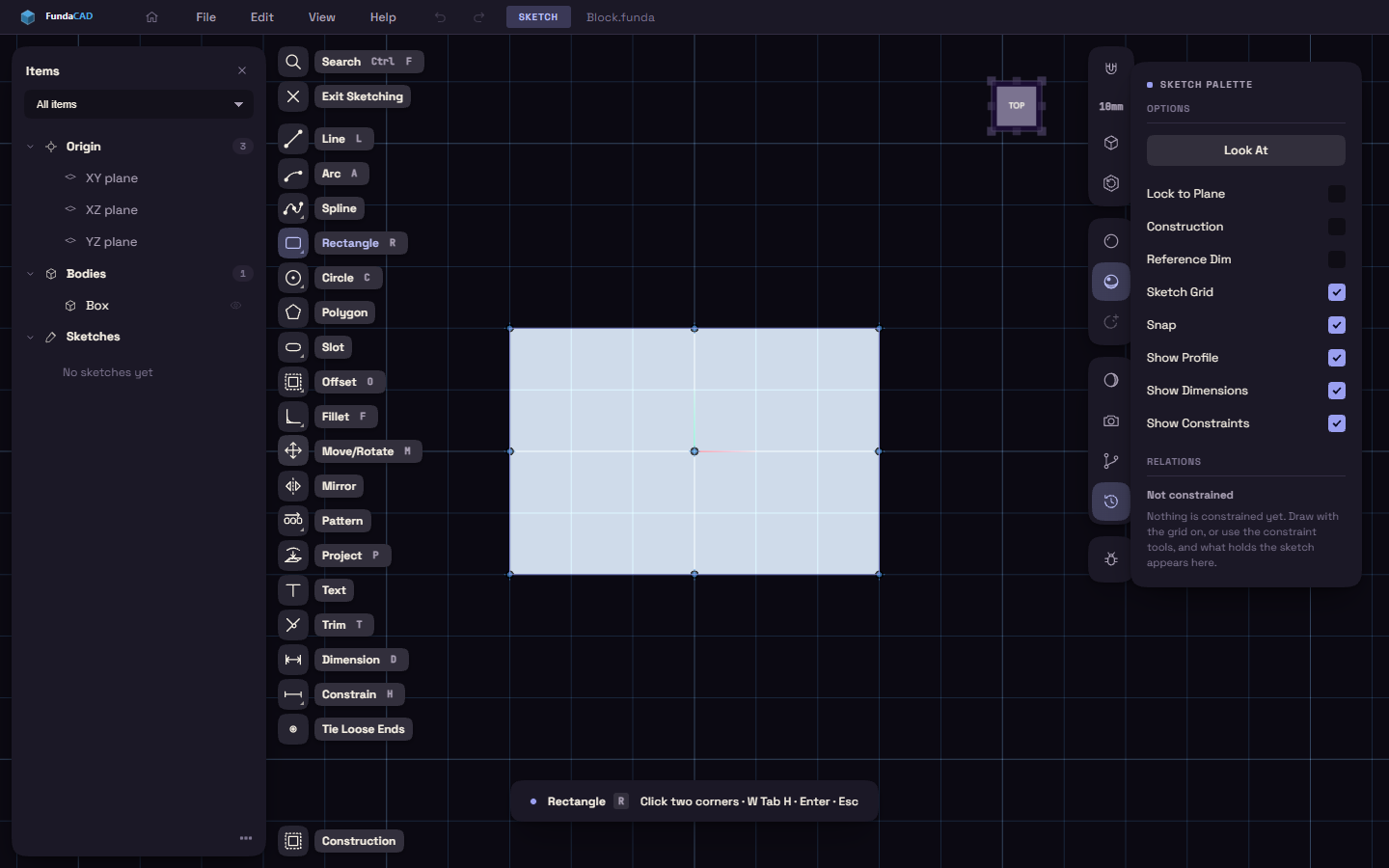
- Press S.
- Click one of the three origin planes, the small tiles beside the origin, a datum plane or a flat face of a body.
If a flat face is already selected, the sketch opens on it straight away. A round face gives the plane that touches it where you click.
XY is the floor, so a sketch there is a view from above.
With no sketch open, L, R, C, A and P start a sketch with Line, Rectangle, Circle, Arc or Project ready.
Leave a sketch
Every way out keeps what you drew.
- Esc backs out one step at a time, and the last press closes the sketch.
- Exit Sketching on the rail closes it at once.
- E or Q closes it and starts Extrude or Press/Pull.