Planes and axes
The tools under Construct on the rail make reference geometry. It builds no solid, it gives you somewhere to sketch, or a plane or axis to cut, mirror or spin around.
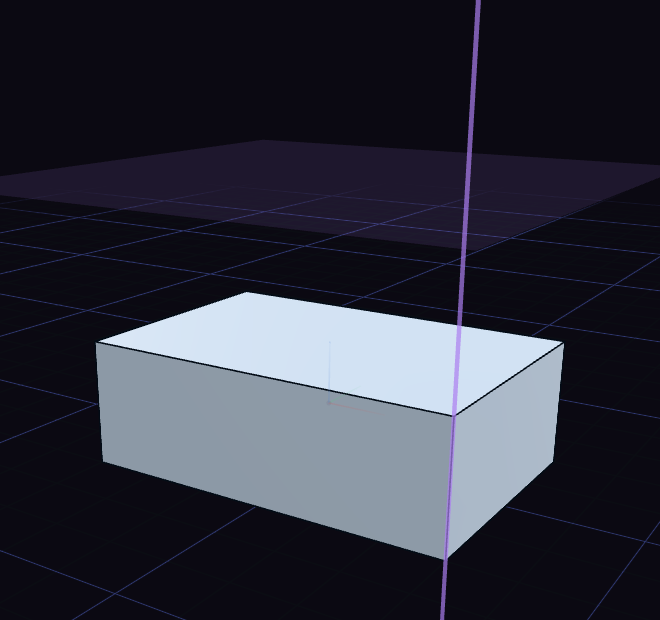
Offset Plane
- Press O, or select a flat face first and press O.
- Click a plane or flat face, if none was selected.
- Drag the arrow, or type the distance in Offset.
- Press Enter, and a sketch opens on the new plane.
The rings on the plane tilt and spin it in 5° steps. Hold Shift for 1° steps, or Alt to turn it freely, and Tilt X, Tilt Y and Spin take typed values too.
Other planes
| Tool | What you pick |
|---|---|
| Datum Plane | A plane or face, then the same arrow and rings, with no sketch. A round face gives the plane touching it. |
| Midplane | Two faces or planes, for the plane halfway between them. |
| Plane, 3 Pts | Three points. |
| Normal to Edge | An edge or path. The plane crosses it at its middle, and Position in its row slides it along, from 0 to 1. |
| Plane, 2 Edges | Two parallel edges, or two that cross. |
| Plane at Angle | A straight edge to turn about, then the face or plane the angle is measured from. It starts at 45°. |
Points and axes
| Tool | What you pick |
|---|---|
| Datum Point | One point, to snap and measure to. |
| Datum Axis | Two points, for the line through them. |
| Axis on Edge | A straight edge. |
| Axis of Cylinder | A round face, for the axis of a hole or shaft. |
| Axis, 2 Planes | Two flat faces or planes that cross. |
A plane or axis picked from the part follows it when the part changes. Double-click its step in the history to drag the arrow and rings again.