Bed fit check
Bed Fit Check tells you whether the whole model fits on your printer's bed. It is in the Print group on the rail.
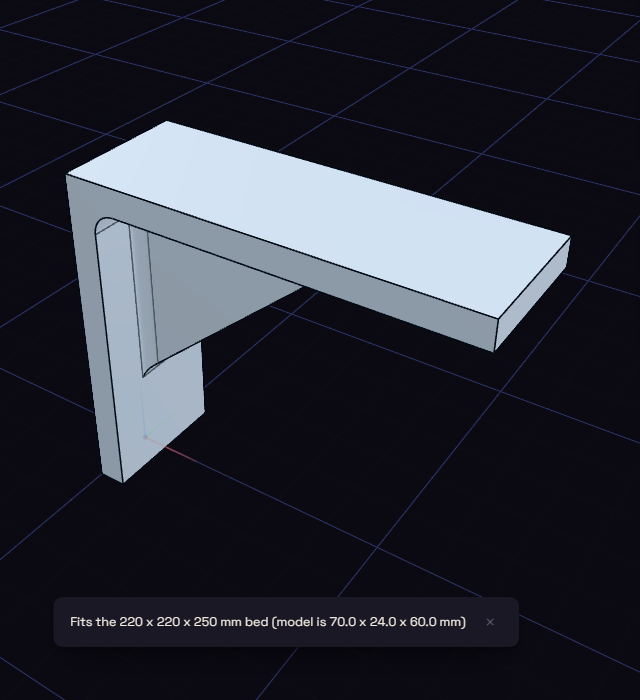
- Pick Bed Fit Check under Print.
- Choose a bed size from the list, or Custom to type the Width, Depth and Height.
- A message says the model fits, or what percentage to scale it to so it does.
The check uses the overall size of the model as it sits, so it does not try turning it on the bed. The bed you choose is remembered for next time.