Shell and thicken
Shell hollows a body, and Thicken gives a face a wall of its own. Both are under Modify on the rail.
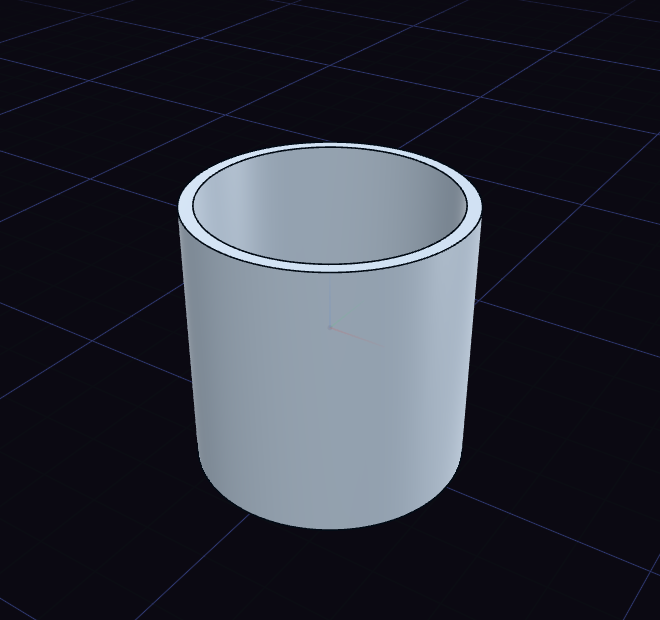
Shell
- Click Shell, then click the face that should open. Ctrl-click opens more faces of the same body.
- Drag the arrow or type the wall thickness.
- Press Enter or click to apply, or Esc to cancel.
Letting go of the arrow only ends the drag, so you can still type a value. A mug is a cylinder with its top face shelled to a few millimetres.
Thicken
- Click Thicken, then click the face. Ctrl-click adds more faces.
- Drag the arrow or type the thickness. Press S to grow the wall on both sides.
- Press Enter or click to apply.
The step's rows in the History card change it later. Operation picks New body or Join, the default, and Symmetric is the same as S.