Loft and sweep
Loft blends between profiles, and Sweep pushes a profile along a path.
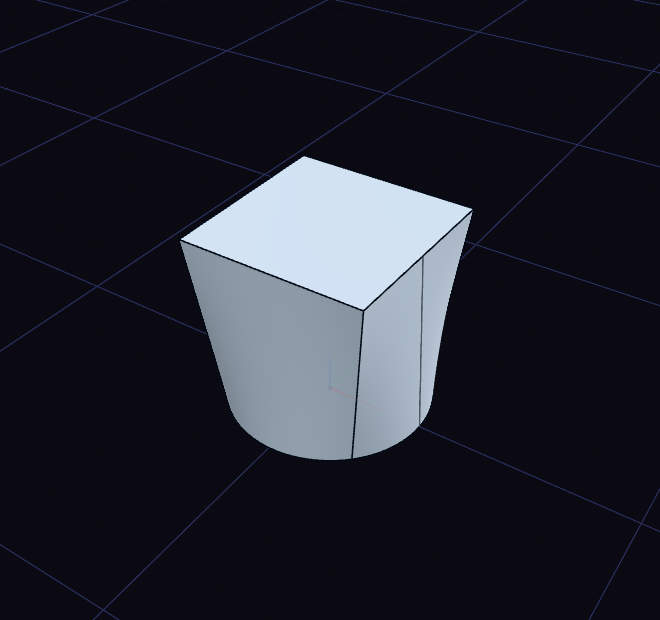
Loft
- Draw each profile in its own sketch on a different plane, such as a circle and a square.
- Choose Loft and click the profiles in order.
- Press Enter.
Clicking a profile again drops it. A ring keeps its hole, so two rings loft into a tube.
Sweep
- Draw a closed profile in one sketch and an open curve, the path, in another.
- Put the profile at the start of the path, roughly square to it.
- Choose Sweep and click the profile. With more sketches to choose from, pick the path sketch in the list.
The step's Operation row joins a loft or sweep to a body, or cuts it away.