Revolve
Revolve spins a profile around an axis, which makes bottles, knobs and pulleys.
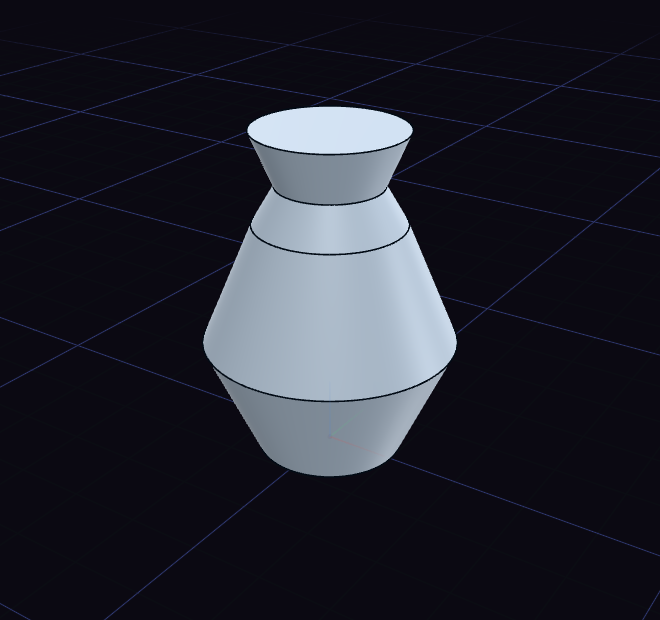
- Draw half the outline on one side of the axis.
- Choose Revolve and click the profile.
- Click an axis arrow at the origin, or a straight edge on the model, to spin around.
A datum axis selected beforehand is used at once. The revolve starts as a full turn and a new body.
Change it later
The step's rows change it after it is made.
- Angle: how far it turns, 360 degrees by default.
- Pitch: how far one turn climbs, for a spring or a coil. Empty means a flat revolve.
- Operation: New body, Join, Cut or Intersect.
- Axis: the X, Y or Z axis of the origin.
Double-click the revolve to drag it on the model. The straight arrow sets the pitch and the curved one the angle, so ten turns is 3600 degrees.