Insert another document
Insert Document puts one FundaCAD document into another, for a part that has to fit around something you modelled earlier.
- Choose Insert Document under Insert on the rail.
- Pick a FundaCAD file.
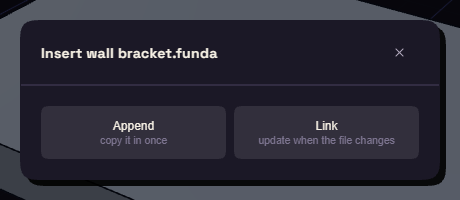
- Choose Append to copy the shape in once, or Link to also remember the file.
The shape arrives as a body, without the steps that made it.
Keep a link up to date
When a linked file has changed, opening the document says so and offers Update. You can also right click the step in the History:
- Update from linked file reads the file again.
- Unlink keeps the shape and forgets the file.