Draw shapes
While a sketch is open, the rail holds the drawing tools. The line at the bottom of the view names the running tool and says what it wants next.
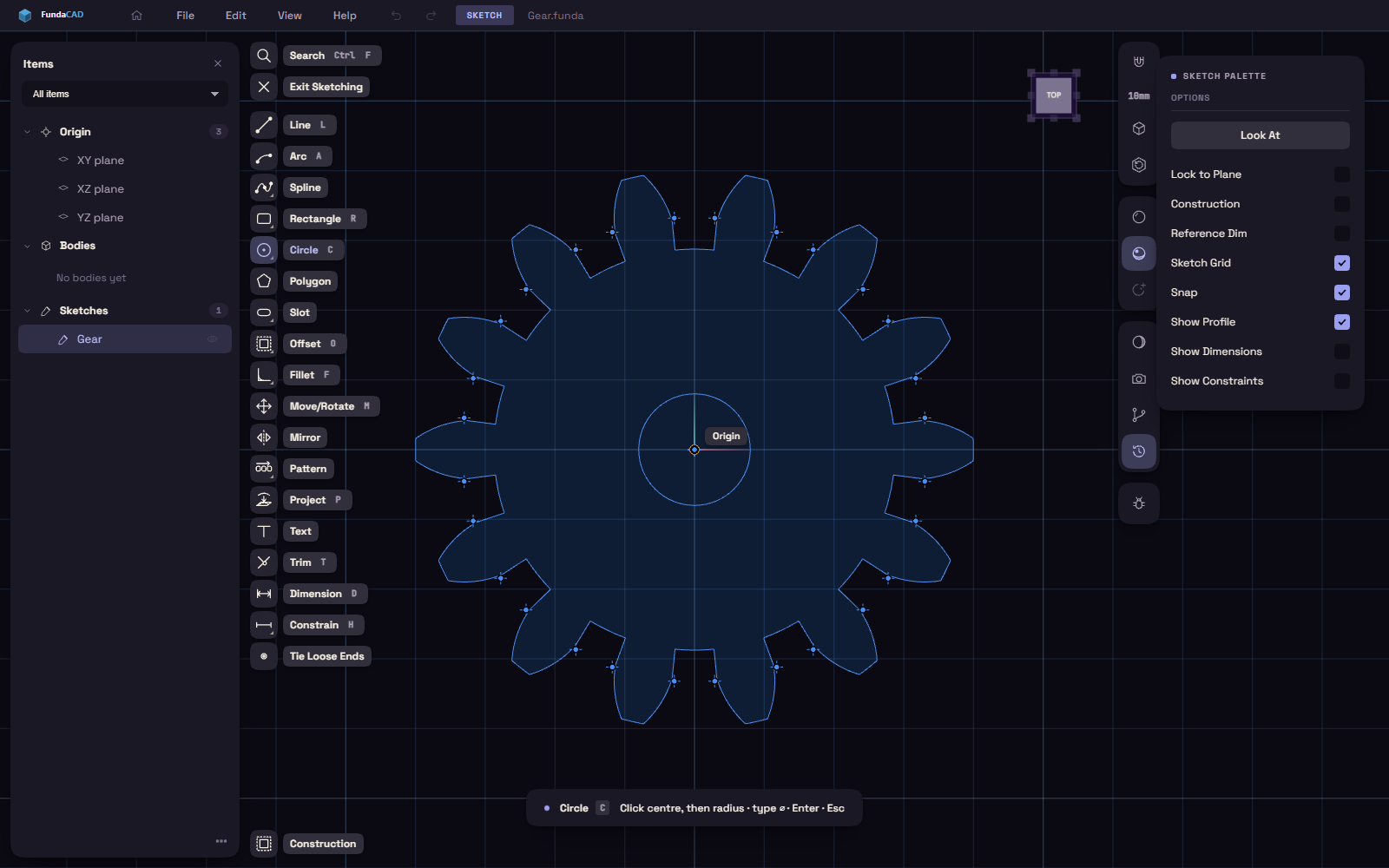
| Tool | What you click |
|---|---|
| Line (L) | A point per click, Enter or Esc to stop |
| Rectangle (R) | Two corners |
| Circle (C) | The centre, then a point on the rim |
| Arc (A) | The start, the end, then a point the arc passes through |
| Polygon | The centre, then a corner |
| Slot | The two arc centres, then the width |
| Spline | The points it passes through, Enter to finish |
| Point | One click per point |
| Text | Where the text goes, or drag a box for it |
Buttons with more than one tool
- Rectangle also holds Center Rect and Rect 3-Pt.
- Circle also holds Circle 2-Pt and Circle 3-Pt.
- Spline also holds Control Point Spline.
- Slot also holds Point.
Such a button runs the tool you used last. Right-click it, or press and hold it, to pick another.