Your first part
This makes a plate 40 mm by 20 mm and 5 mm thick, with a 6 mm hole, and exports it for your slicer.
Sketch it
- On Home, click Blank.
- Press S and click the XY tile beside the origin, the one lying flat on the floor.
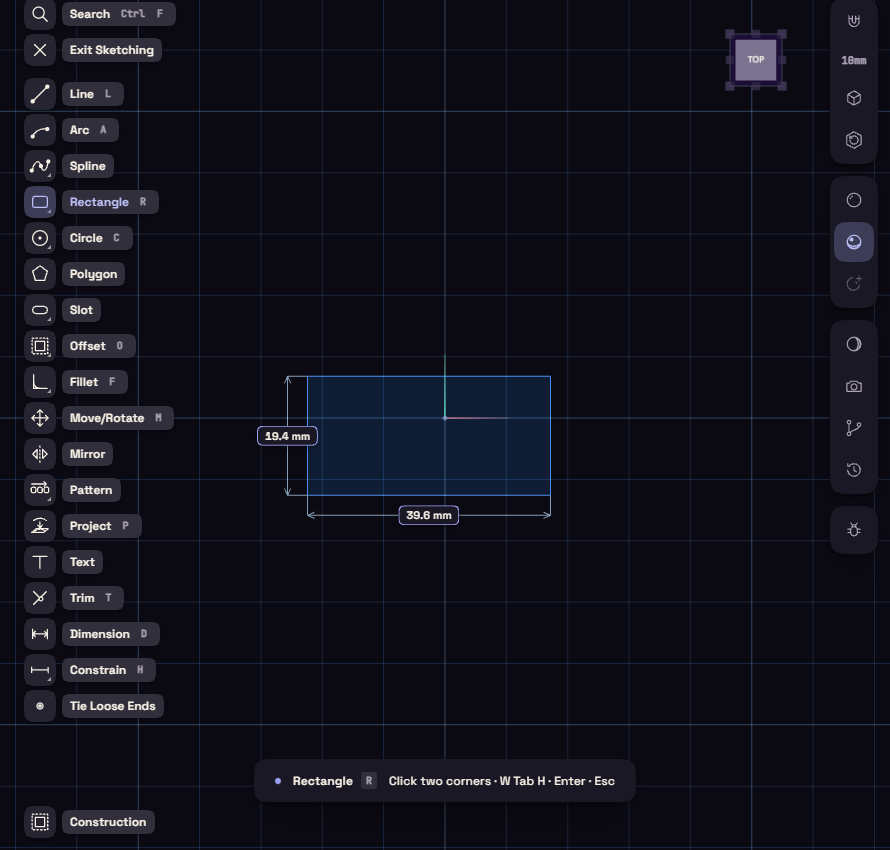
- Press R and click two opposite corners.
Size it
- Press D, click the bottom edge, type 40 and press Enter.
- Click a side edge, type 20 and press Enter.
- Press C and draw a circle inside the rectangle.
- Press D, click the circle and type 6 for its diameter.
Make it solid
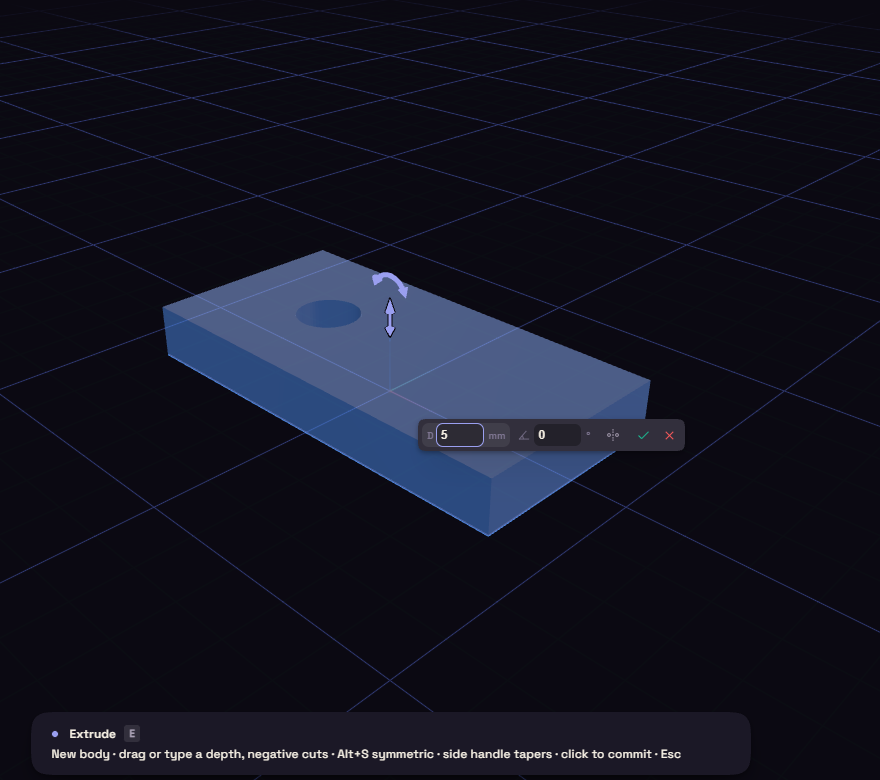
- Press E and click inside the rectangle, outside the circle.
- Drag the arrow up, or type 5 and press Enter.
Change your mind
Click the Extrude step in the History and change 5 to 8, the plate follows. To round an edge, press F, click the edge and type a radius.
Save and export
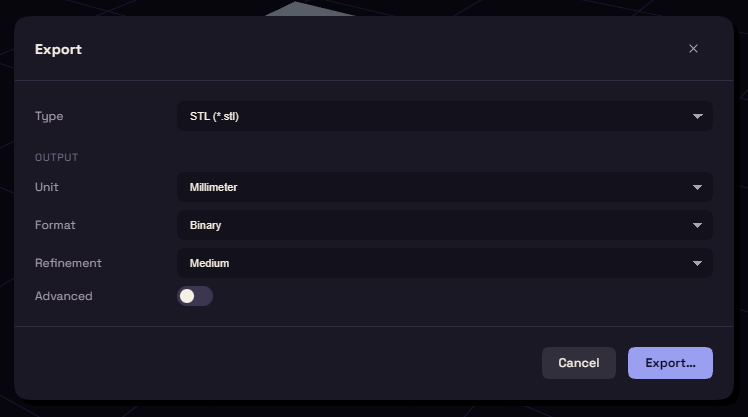
Ctrl+S saves a .funda file that keeps the whole history. Ctrl+E opens the Export window, where STL with Millimeter and Medium suits most slicers.