Import
Bring parts from other programs in as bodies, and drawings in as sketches.
Bring a file in
- Choose File > Import Mesh…, or Import Mesh under Insert on the rail.
- Pick a file.
You can also drop files onto the window, several come in one after another. File > Open… takes the same formats.
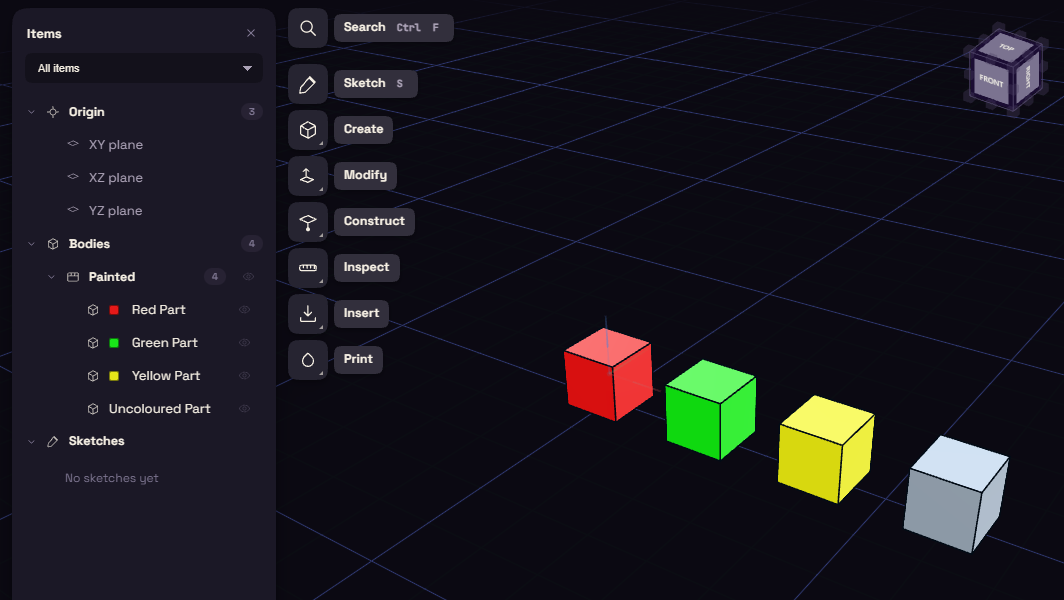
From Home, the file starts a new document named after it. If the document behind Home holds work, FundaCAD asks whether to add the file to it.
Formats
| File type | Comes in as | Note |
|---|---|---|
| STEP (.step, .stp, .stpz, .step.gz) | Solid | One body per part, with its colours. Prefer it over a mesh when you have one. |
| IGES (.iges, .igs) | Solid | One body per named part, with its colours. |
| BREP (.brep), OCCT XBF (.xbf) | Solid | XBF is scaled to millimetres. |
| FreeCAD (.FCStd) | Solid | One body per object, named as in FreeCAD. |
| Rhino (.3dm) | Solid | Solids, surfaces and meshes, grouped by layer. SubD objects and curves are left out. |
| IFC (.ifc) | Solid | One body per building element. Unzip an .ifczip first. |
| STL, 3MF, OBJ, PLY, OFF, AMF | Mesh | An AMF file keeps each object's name and colour. |
| glTF (.glb, .gltf), VRML (.wrl, .wrz), X3D (.x3d, .x3dz) | Mesh | None of them say their unit, so FundaCAD asks. |
| FBX (.fbx), 3DS (.3ds) | Mesh | One body per mesh or object. A 3DS file is read as millimetres. |
| A mesh over 150,000 triangles | Reference scan | Read only, up to about 10 million triangles. |
| DXF (.dxf), SVG (.svg) | Sketch | One sketch per layer or top level group, in millimetres. |
Loose STEP faces
Some programs write a STEP part as loose faces that only touch. FundaCAD joins them, and a part that closes becomes a solid you can cut and measure.
A part that stays open comes in as a surface. Its import step in the History notes how many edges are still open.
Reference scans
A reference scan is for looking and measuring. You can snap to it, but you cannot edit it or use it in a boolean.
To work on it as a solid, reduce the mesh below 150,000 triangles in a mesh program first.
DXF and SVG
- A DXF layer will not extrude while the ends of its lines do not meet. The import says how many ends are open.
- Text, dimensions and hatches in a DXF are left out, and so are the text, images and gradients of an SVG. The import counts what it skipped.