Measure
Measure tells you how long, how far apart or at what angle things are, from what you click.
- Press I, or pick Measure under Inspect.
- Click a face or edge. The panel shows its Area or Length, and the point it measured from.
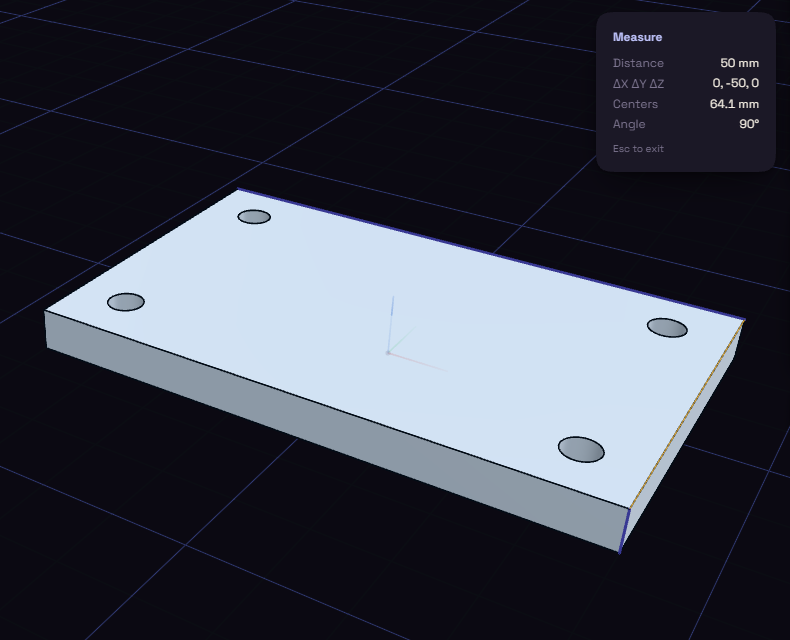
- Click a second face or edge. The panel shows:
- Distance, the shortest gap between the two
- ΔX ΔY ΔZ, that gap split along the axes
- Centers, the distance between the middle of each
- Angle, the angle between them, for flat faces and straight edges
- A third click starts over, and Esc closes Measure.
You can also right-click a face or edge and pick Measure from here.
The numbers follow the Units setting. On curved faces they come from the shape as drawn on screen, so they can be off by a tiny amount.