Union, subtract and intersect
Union joins two bodies into one, Subtract removes one from another, and Intersect keeps only where they overlap. They are under Modify on the rail, and the keys are Ctrl+U, Ctrl+B and Ctrl+I.
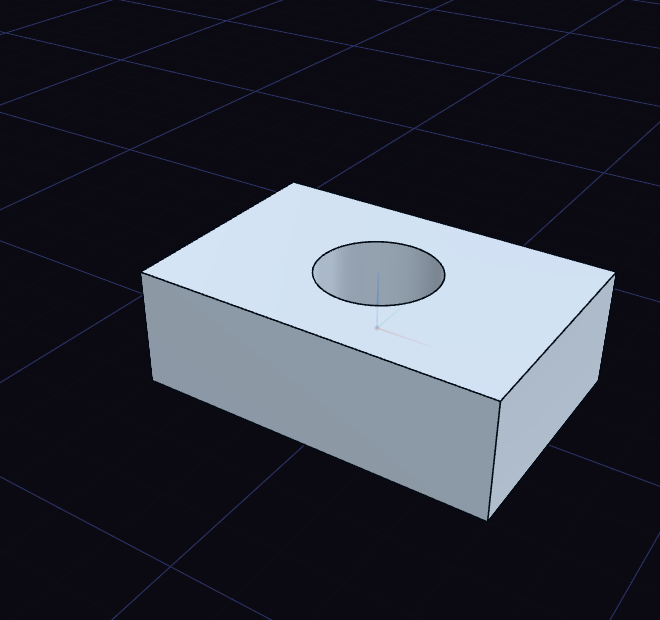
- Choose the tool with nothing selected.
- Click the body to keep.
- Click the body to use on it. For Subtract, this is the body that cuts and goes away.
With one body selected first, the tool asks only for the second. With two or more selected, it applies at once, keeping the first one selected and using all the others on it.
The step's rows in the History card change it later:
- Operation switches between Union, Subtract and Intersect.
- Keep originals leaves the used bodies in place, so one bolt can cut three plates.